Web Design Start here
What is web design, and why does it matter?
Follow Copperline, a made-up plumber, as we pull its web page apart layer by layer. Then see why the look decides whether visitors trust it.
i · the-layers
What web design is, shown on one plumber's page
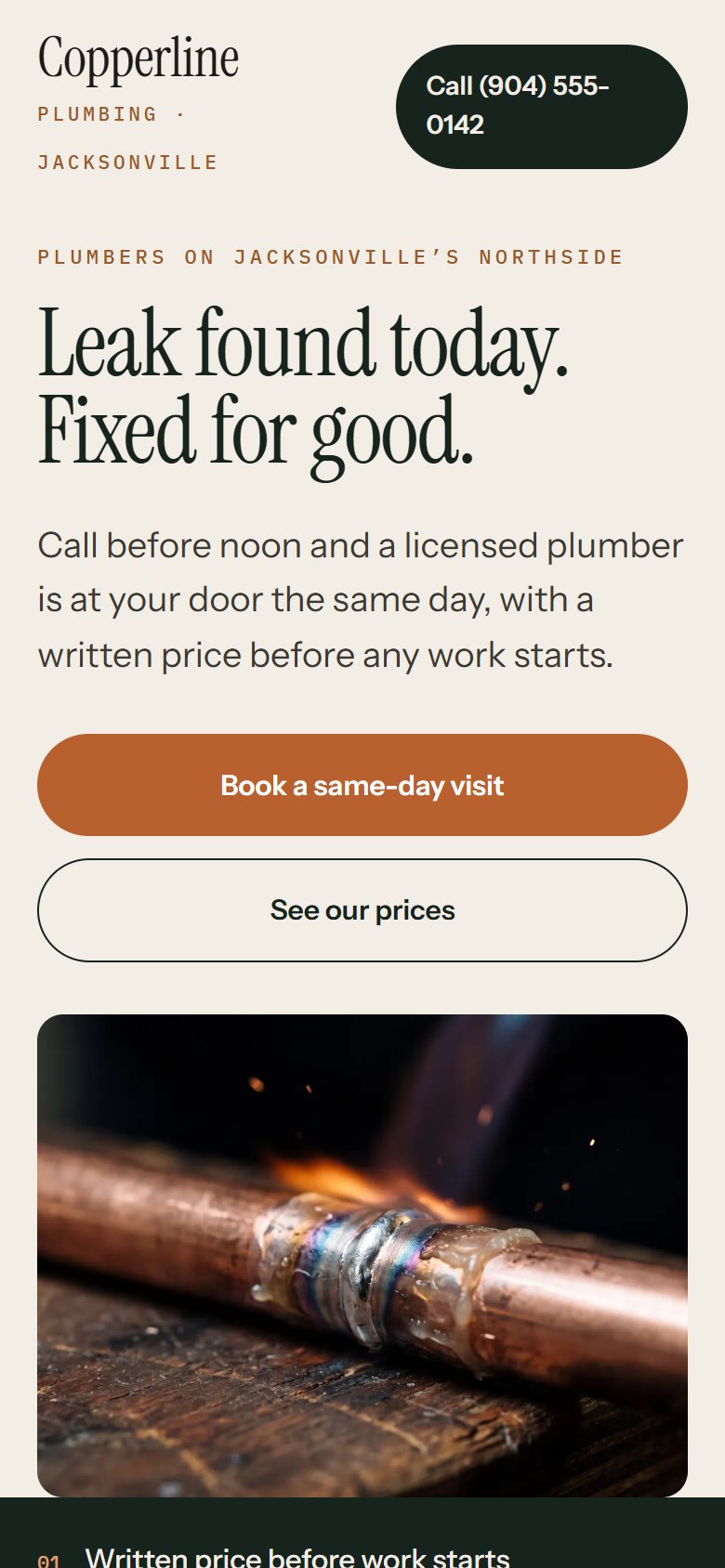
A pipe bursts late at night. The homeowner grabs a phone and finds Copperline, a made-up plumbing company. The page loads as a shrunken desktop layout with the call button buried, so they ring the next plumber.
Nothing was wrong with Copperline's plumbing. The website lost that call, and the cause was its design.
A website is a shopfront that never closes. Whoever finds it first judges the whole business by it.
Here is the plain answer. Web design is deciding what your site says, how it looks and what it does, so a stranger trusts you enough to call. This post covers the layers a page is built from, then how visitors judge the result.
Picture Copperline's site as a shop. The stock and shelves come first, paint and lighting set the mood, and a bell rings when the door opens.
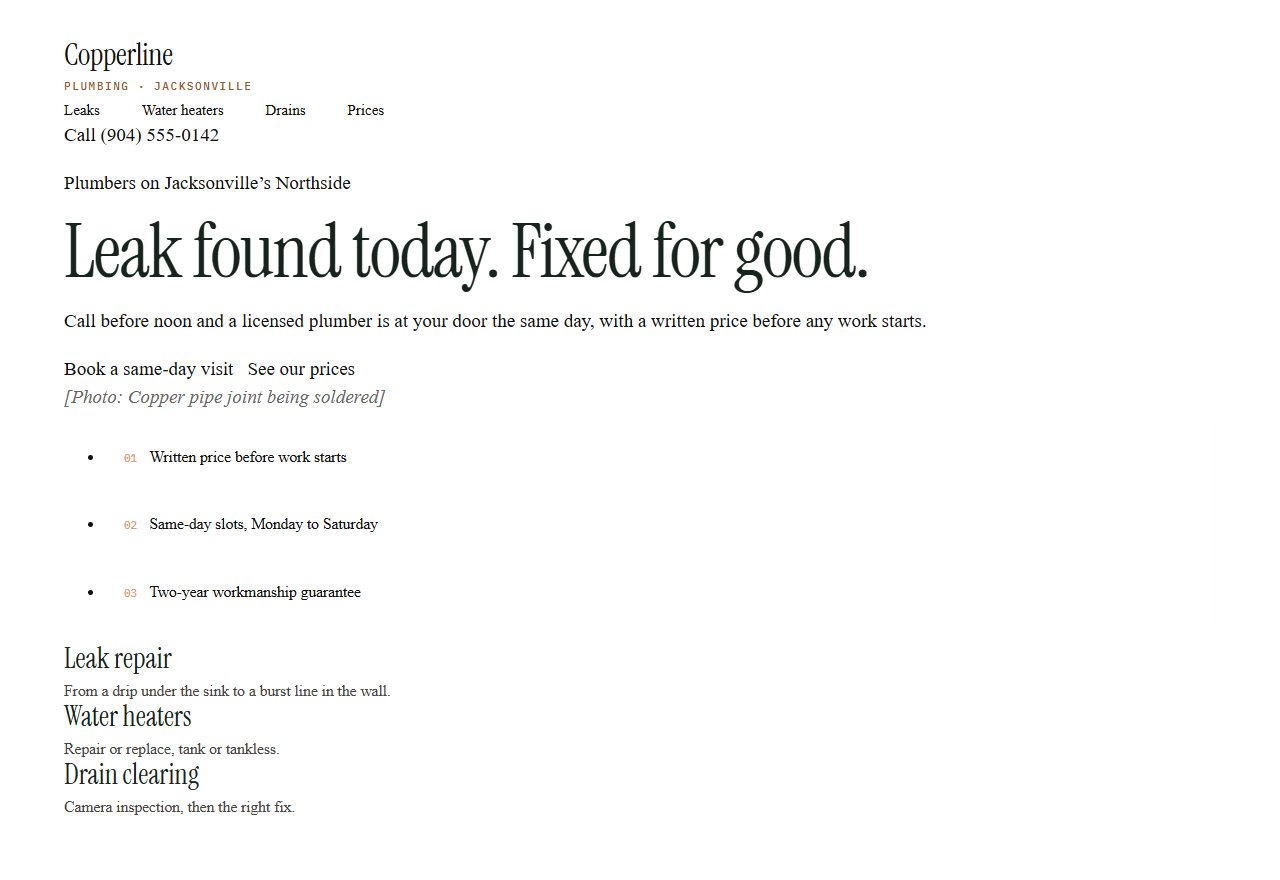
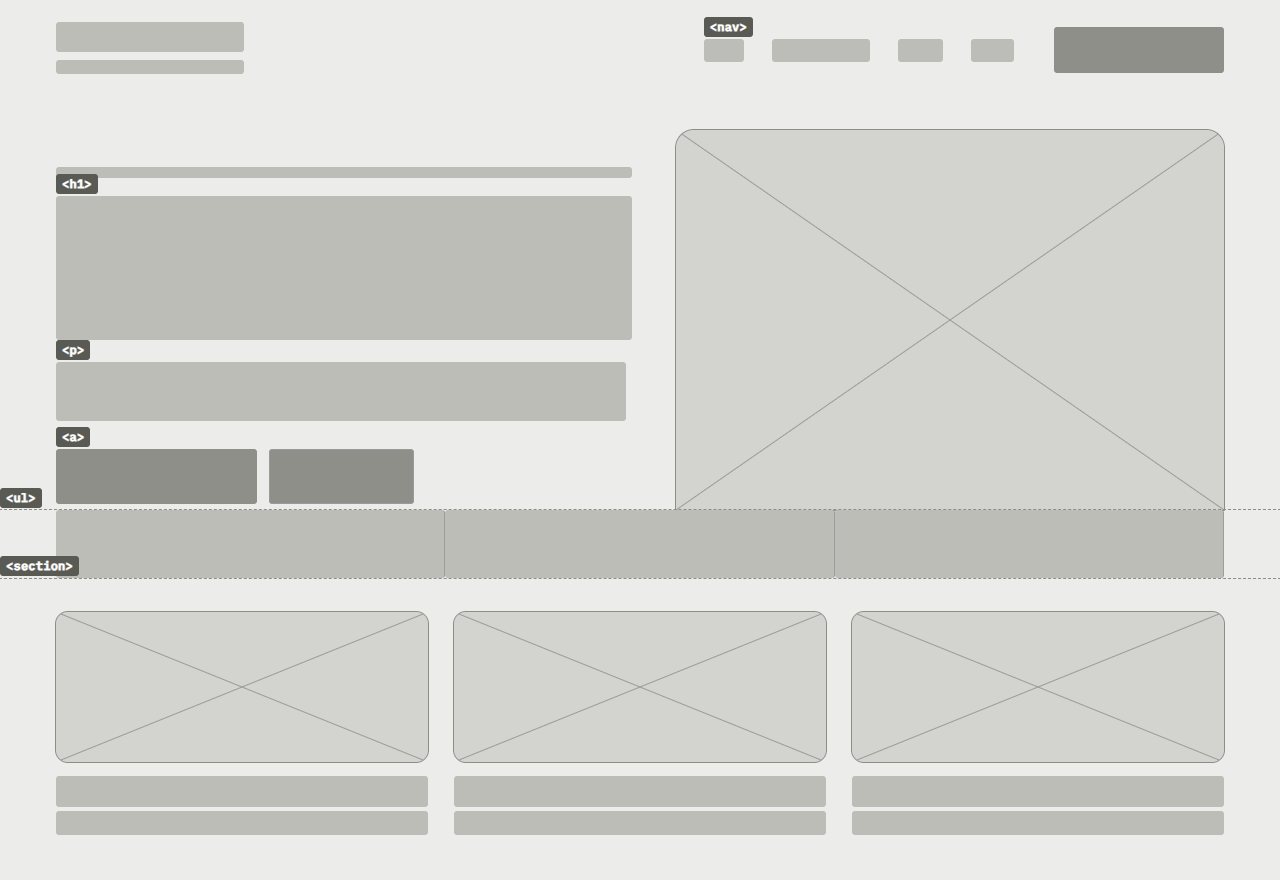
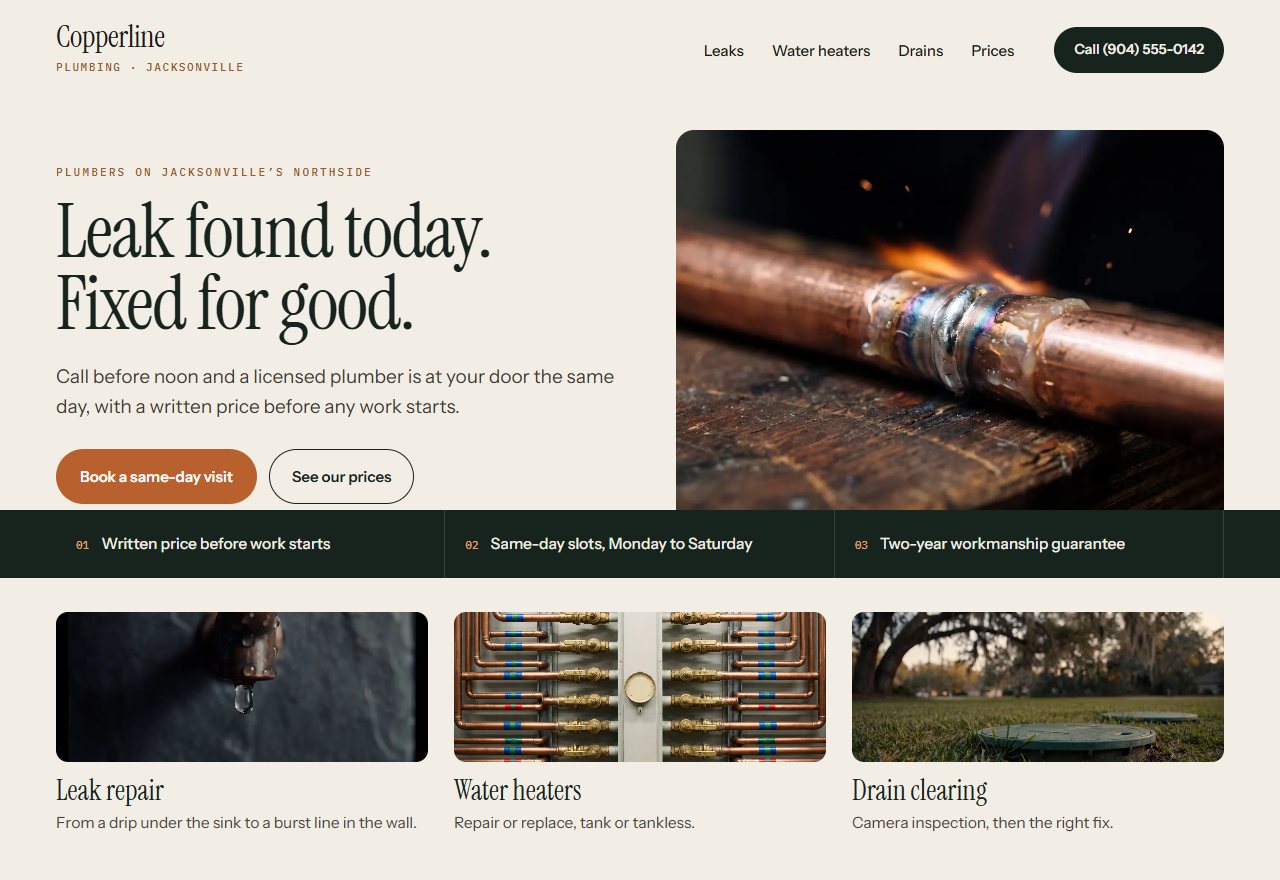
The stock and shelves are the HTML. It holds the content and gives it structure and meaning, separate from how it looks. The stack above draws content and structure as two layers so you can see them apart, but both live in the HTML.
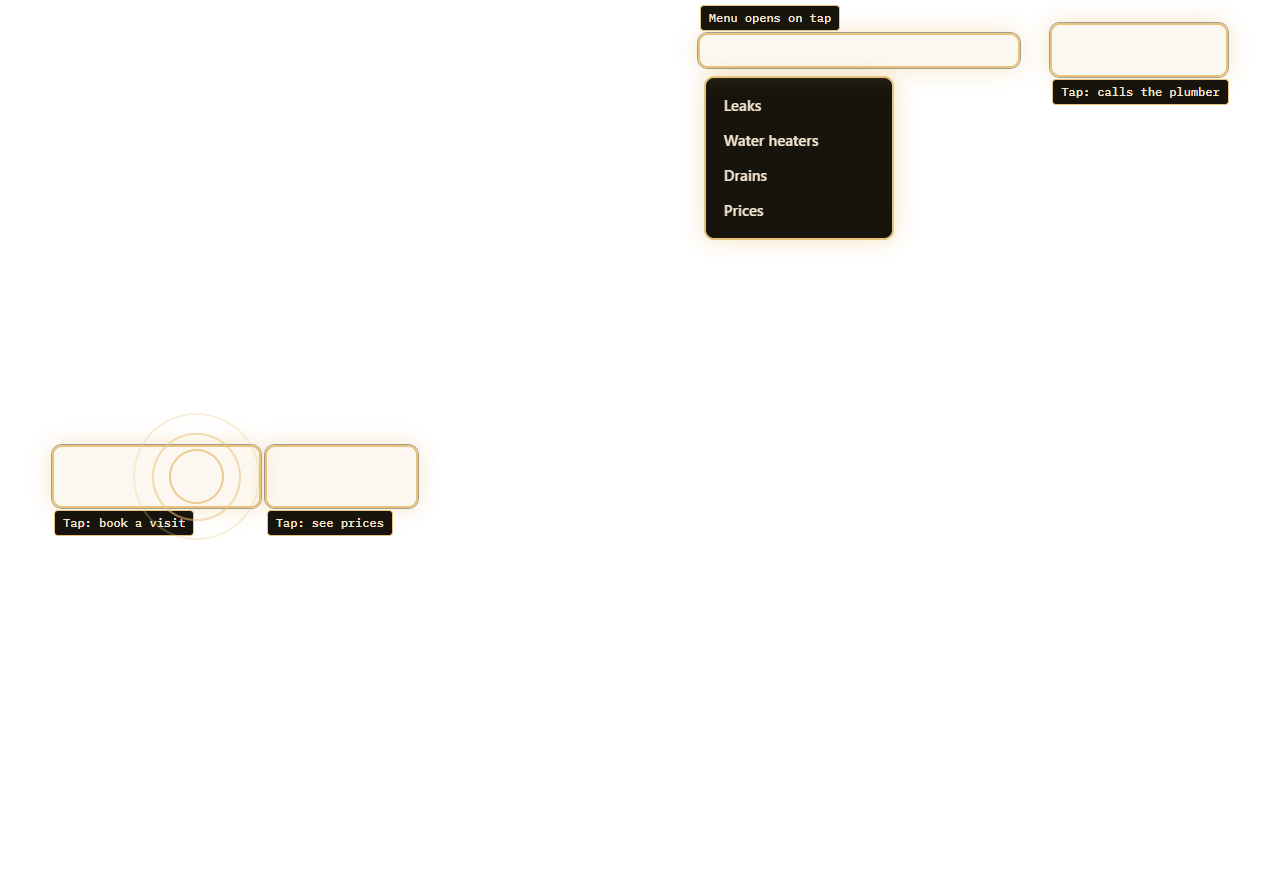
The paint and lighting are CSS. The bell is JavaScript, the behaviour layer.
Mozilla's MDN Web Docs describes these as stacked layers: HTML for structure and meaning, CSS for styling and JavaScript on top. Copperline's lost call traces back to them. Where the button sits is structure, and how large it looks is style.
Tap the numbered points to see where Copperline's choices sit. If you want a studio to make those choices with you, see our web design service.
- 1 · HTML: the headline
The words and their order live in the HTML, which gives the content structure and meaning.
- 2 · HTML: the photo
The picture is content, so the HTML places it here. CSS decides how it looks.
- 3 · CSS: the call button
Its colour and size come from CSS, the layer that controls how elements look in the browser.
- 4 · CSS: one rule, many cards
One style rule can restyle every service card at once without touching the words.
- 5 · JavaScript: the menu
If the menu opens on a tap, that is JavaScript adding an interactive feature.
ii · browser-at-work
What the browser does when someone visits
When someone opens Copperline's page, their browser puts the shop together from the files it receives. It works in a set order, shown in the steps below.
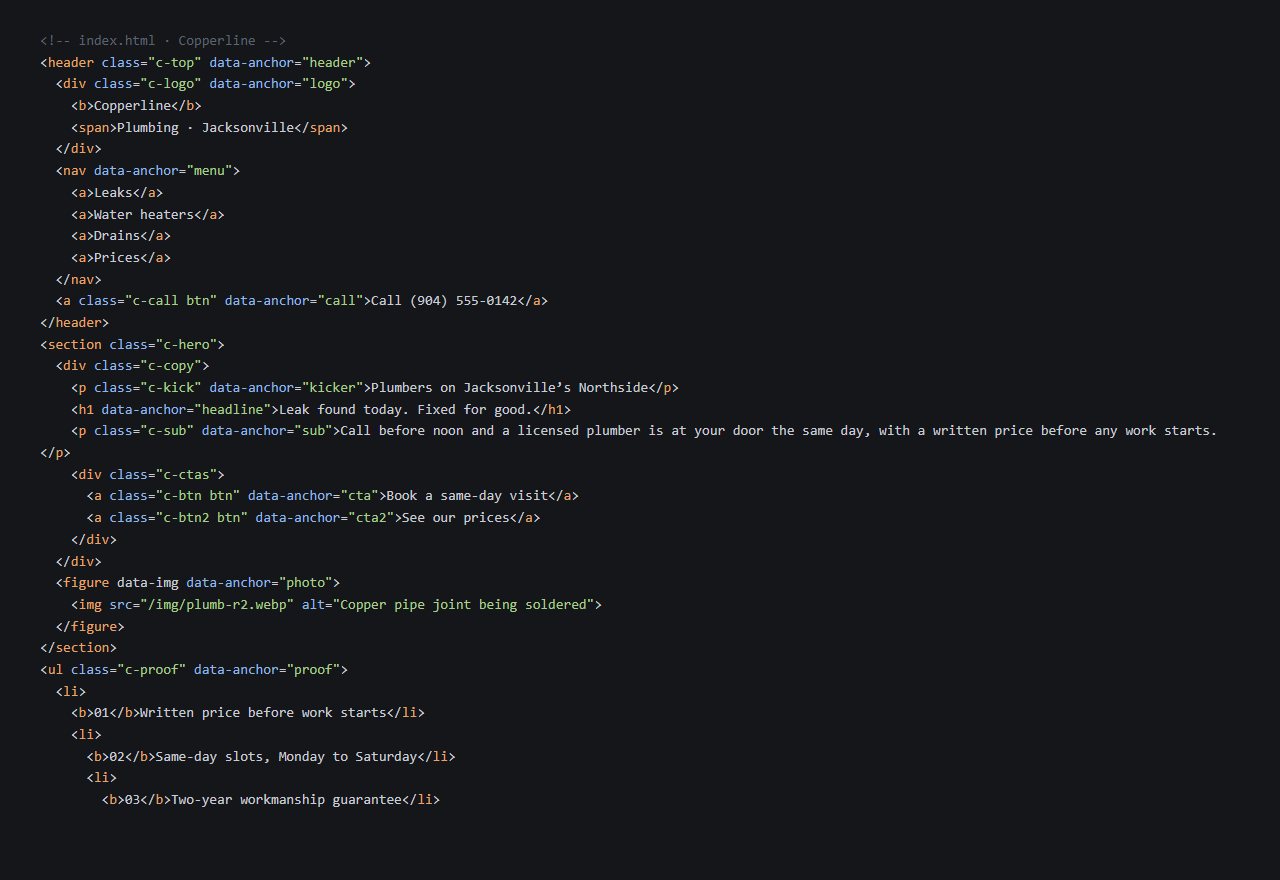
Behind every polished screen is a plain file of words and tags. That file is what the browser actually receives, as the first step shows. It looks nothing like the finished page, yet it holds everything the page says.
The order explains a handy split. A CSS rule can restyle many parts at once without touching the content.
In shop terms, you can repaint every shelf without restocking one. A new colour for all of Copperline's service headings would not mean rewriting their descriptions.
For an owner, this is practical. A fresh look can be a change to the style rules, while a new service means new content in the HTML.
The bell over the door comes last. Behaviour sits on top of a page that already has its words, shape and look.
The browser reads the HTML
This is what actually arrives: plain code holding Copperline's words, with tags marking each part.
It maps the structure
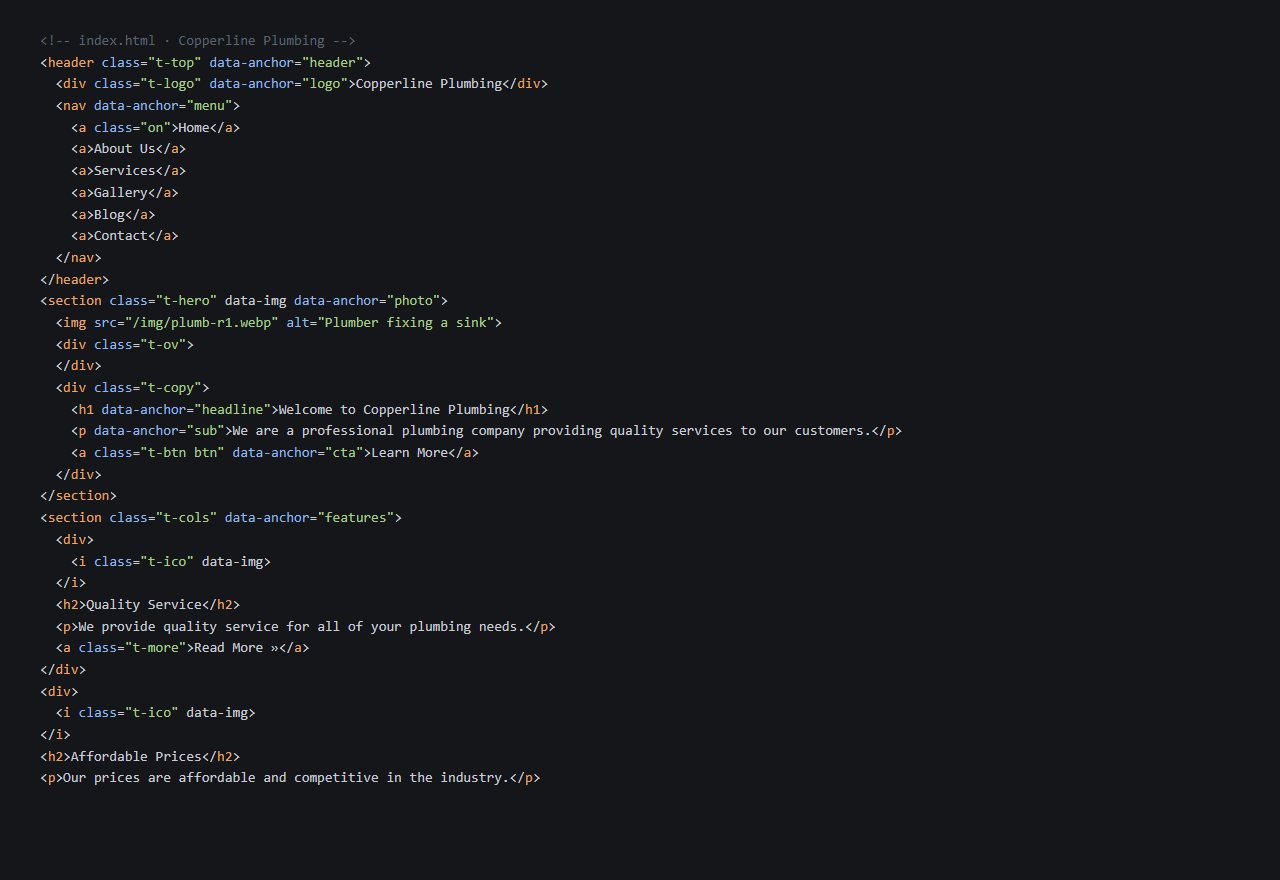
From the HTML, the browser builds a tree: a map of which part sits inside which, like this wireframe.
CSS is applied, then painted
Next it applies the CSS rules for colour, type and spacing, then paints the finished page on screen.
JavaScript steps in
While someone uses the page, JavaScript can change its HTML and CSS, such as opening the menu on a tap.
iii · template-or-custom
Template or custom: renting a fitted shop or fitting your own
A template is like renting a shop that is already fitted out. A custom design means fitting out your own, around how your customers shop.
With a template, Copperline's call button goes wherever the template's designer put it. With a custom design, the page can be drawn around that button first.
That difference matters most for whatever earns you money. For Copperline it is the phone call, so the call button deserves the best spot.
The rented unit is cheaper and quicker to open. Templates fit small budgets, while custom builds can take weeks or months.
An article in Search Engine Journal argues the template route has hidden costs. It is one writer's argument rather than research, so weigh it as a view.
Its concerns centre on plugins, mostly on WordPress template sites. Template builders also limit back-end access.
Think about the next few years, not only launch day. A cheap start can cost you later in speed or search.
Neither route is wrong by default. A template can be the right choice if you know its limits. Each tab gives one concern and a question worth asking before you choose.
Often slower
Template sites are often slower because of the plugin code behind the page. Ask: how many plugins would my site rely on?
Plugins as the weak point
Plugins are the main security weak point on WordPress template sites. Ask: who updates the plugins, and how often?
96%
of WordPress vulnerabilities relate to plugins.
Less room to tune
Template builders limit back-end access, which restricts how far a site can be optimised for search. Ask: which settings will I control myself?
Budget against weeks
Templates fit small budgets, while custom builds like this one can take weeks or months. Ask: when would my site go live, and what if that date slips?
iv · first-impressions
Why visitors judge your site in a blink
Back to the shop window. Passers-by decide whether to step inside before they have read a single price.
A review of credibility research in the Journal of Medicine and Life cites a study putting that first judgement at 50 milliseconds. Estimates vary, but once formed, the opinion is hard to change.
Think of what that means for Copperline. A stranger with a leak gives the page a glance, not a reading.
Good words still matter, but only visitors who stay will read them. The first screen has to earn that stay.
The review also reports that, with identical content, the page given a more polished look was judged more credible. Visually pleasing pages make users more inclined to trust them.
Simpler sites are preferred over complex ones, according to studies the review cites. For a plumber, that argues for one clear headline and one obvious way to call.
This is the visitor-facing side of web design. Visitors judge a site's credibility by what grabs their attention first. Copperline's buried button was not a small detail.
The chart shows the size of these effects. Two of its figures come from a study by Fogg and colleagues, cited in the review.
None of these figures promises a result for your own site. They describe how people in the studies judged the pages they were shown.
- Cases where a better look raised ratings (19 out of 21)90%
- Browsers who spend only a few seconds on a site80%
- People who judged credibility by presentation75%
- People who named design and look as the top factor46.1%
v · phones
Why your site must fit a phone screen
Picture a Copperline customer standing in a wet kitchen, phone in hand. The shop now has a narrow doorway, and the customer still has to get through it.
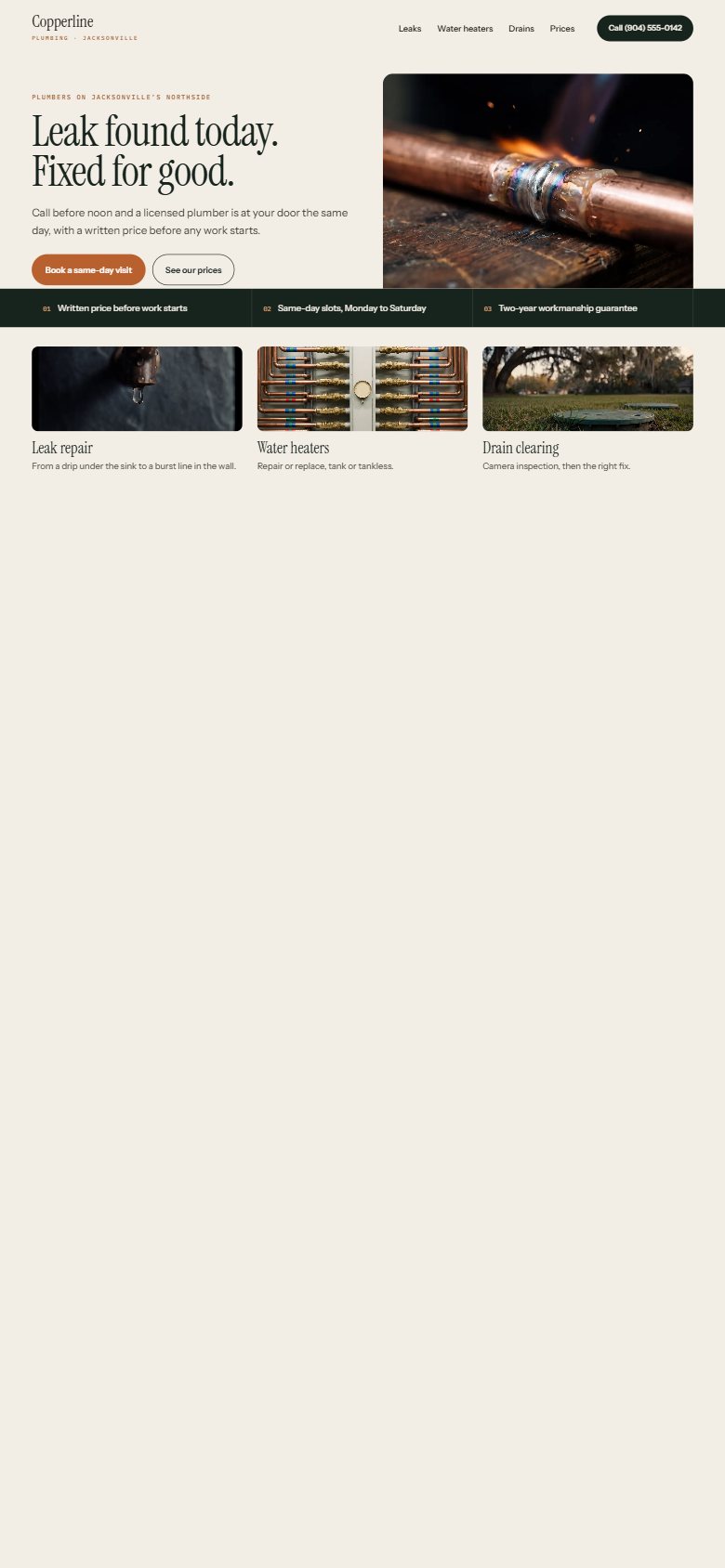
Making phone users scroll sideways or zoom out to see a page gives them a poor experience. That is the shrunken page from the opening scene.
To display properly on phones, a page needs a viewport meta tag in its document head. In shop terms, the tag tells the browser how wide the doorway is.
Responsive design goes further. It adapts to what users need and what their devices can do, rather than building a separate site per device. Picture a shop that rearranges its counter to suit a smaller room.
Check the phone view as carefully as the desktop one. For an emergency trade, it may be the page that matters most.
Drag the slider across Copperline's page. The left side shows tiny text you would have to zoom into and scroll sideways to read.
vi · your-next-step
Checks to run on your own site this week
Most of these checks need only a phone, a friend and a few minutes. Start at the top and work down.
0 of 5 done
vii · Questions people ask
Quick answers
What does a page look like with no design at all?
It still has a plain look. That default comes from the browser's own stylesheets, not from the HTML. So an unstyled page is never quite blank.
Does good writing make up for a plain-looking site?
Not on its own. Nielsen Norman Group notes that good copy is not enough, because the visual presentation also affects credibility.
Is a template always the wrong choice?
No. Templates fit small budgets, while custom builds can take weeks or months. If time and money are tight, a well-chosen template can be a sensible start.
viii · Where this comes from
References
- What is JavaScript?MDN Web Docs (Mozilla)
- Credibility judgments in web page design – a brief reviewJournal of Medicine and Life (via PubMed Central, NIH)
- What is CSS?MDN Web Docs (Mozilla)
- Custom vs Template Website Design: Making The Right ChoiceSearch Engine Journal
- Prominence-Interpretation Theory: Explaining How People Assess Credibility OnlineNielsen Norman Group
- Responsive web design basicsweb.dev (Google)
We read these sources and explained them in our own words. The plumbing company in the pictures is made up, to show the ideas. This is general information, not legal, tax or financial advice.
 Full frame
Start here
Your business, full frame
A short call, a written plan and a fixed quote before any work starts. Or begin with the free audit and see what we’d change first.