Savannah business automation: stop retyping the same message
Count how many times your team copies a customer detail from one screen to another today. Whatever the number is, a machine can do it faster and never fat-finger a digit.
A written review of your current site. No obligation.
The bottleneck is usually a person with a spreadsheet
Savannah runs on businesses where timing is the product: cargo that has to be tracked and invoiced, rooms and tables that fill and empty by the day, production crews who need paperwork cleared before they roll. In each of them, admin work stacks up behind the real work. Someone re-enters a shipment reference, chases a confirmation, sends the same reminder for the fortieth time.
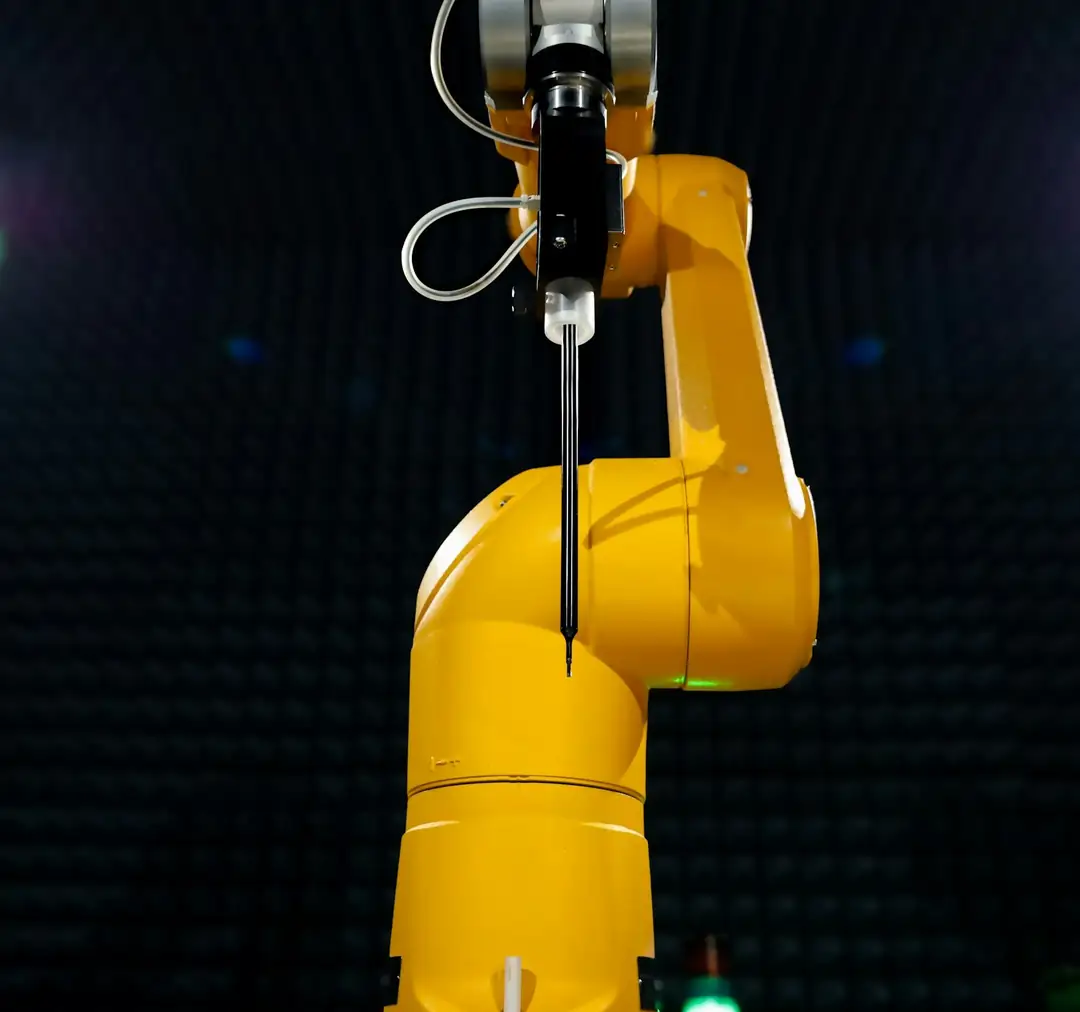
Automation is the plain practice of letting software do the repeatable parts, so staff handle exceptions and customers. It is not a robot replacing your team. It is the end of the Tuesday spent copying.
Where it pays off first
A logistics or forwarding office can capture a quote request, create the record, send an acknowledgement and flag it for a person in one step. A hospitality business can confirm bookings, send arrival details and ask for a review without anyone touching it. A manufacturer can route purchase requests for approval and keep stock sheets current. A production company can collect crew paperwork once and file it correctly. The common thread is a task done the same way many times.
What manual handling costs
Slow replies lose enquiries to whoever answers first. Retyped data creates errors that surface later as disputes and refunds. And skilled people spend afternoons on work that teaches them nothing. None of this appears as a line on a report, which is why it persists.
How we approach it
We start by watching the work, not selling a tool. We map a process, find the steps that repeat, and automate the ones where mistakes cost most. Each automation is tested with real data, documented, and built so your team can see what it did and switch it off. If a spreadsheet is enough, we say so.
Good automation rests on a clean website feeding forms and bookings into the right place, and on pages that bring in leads worth following up. The [free audit](#audit) spots what to automate first.
Manual versus automated intake
Drag to compare a quote request handled by hand with one that routes itself.
Quality you can trust
We are committed to excellence.
Learn moreQuote request received
Details captured, record created, customer notified, owner alerted.
- IInbox
- IIQueue
- IIIDone
Proof
Real work, named people
Next step
One clear action
View request-
Response
GenericA request waits in an inbox until someone is free to retype it.
CustomThe customer gets an acknowledgement at once and the right person is alerted.
-
Accuracy
GenericDetails copied by hand between systems, with errors found later.
CustomData enters once and flows to every place that needs it.
-
Oversight
GenericNobody can say what was sent or when.
CustomA visible log of every step, with a manual override.
What you receive
Working automations your team understands.
Process mapping
A written map of the repeated tasks, ranked by time saved and error risk.
Connected forms and records
Enquiries, bookings and orders captured once and sent where they belong.
Automatic follow-ups
Confirmations, reminders and review requests sent on time.
Documentation and control
Plain notes, a visible log and an off switch you control.
Questions buyers ask first
Will automation replace my staff?
The aim is to remove repetitive typing and chasing, not people. Your team keeps the judgment calls and customer contact.
What can be automated?
Any task that follows the same steps each time: intake, confirmations, reminders, document filing, status updates and reports.
Do I need to change my software?
Often not. We connect tools you already use. If a tool blocks progress, we will explain and suggest options.
What if something goes wrong?
Each automation has a log, alerts for failures and a manual override, so a problem is seen and fixed quickly.
How much does it cost?
It depends on the number of steps and systems involved. We quote after mapping the process, in writing.
Find the first task worth automating
The free audit reviews how enquiries reach you today and points to the repeatable steps.